5 Best Audience Q&A Tools for Events: Free & Anonymous Slido Alternatives Compared

You ask, "Any questions?" and the room goes quiet.
That's when an audience Q&A tool that lets people send questions anonymously from their phones helps. It brings in questions from people who would never raise a hand.
This article compares five Q&A tools, including Slido, on how many people you get for free and what you pay, so you can pick the right one for your event.
What is an audience Q&A tool? Collecting anonymous questions in real time
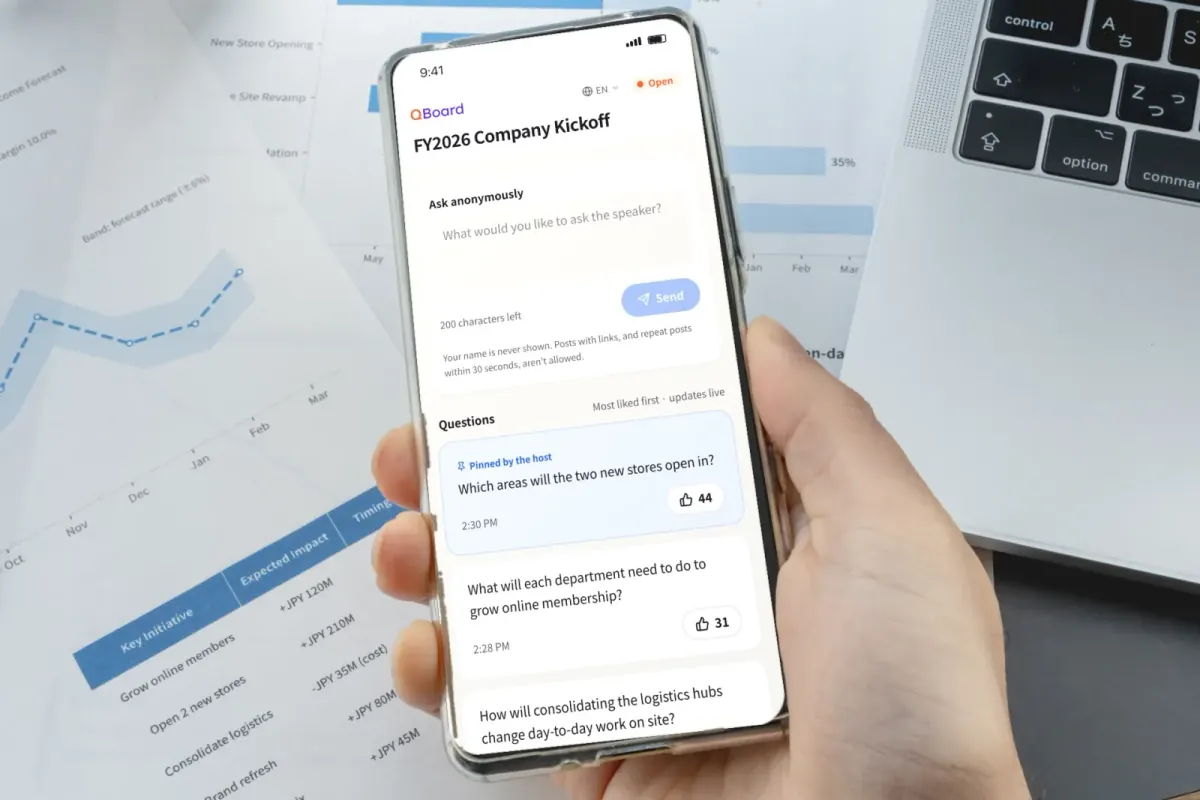
An audience Q&A tool is a web service that lets participants send questions from their own phones. The organizer shows the questions on the screen and answers them. Participants don't install anything: they point their camera at the QR code on the screen, and the question page opens.
- The organizer creates an eventEnter an event name, and you get a QR code and a link for joining.
- Participants send questions from their phonesThey scan the QR code and type a question. Their name never appears on the screen.
- Others like the questions they want answeredPeople with the same question tap like, and that question moves up the list.
- Answer the most-liked questions firstThe moderator or speaker reads from the top of the screen and answers.
When you ask for raised hands, usually only a few people in the front rows respond. With a Q&A tool, people who worry about what their boss or clients will think can ask without giving their name. Anyone with the same question just taps like. That way, you answer the most-liked questions first, which are the ones the room cares about most.
People who can't be in the room can open the link and ask from the same page, so it works the same way for online webinars.
5 free audience Q&A tools compared: price, participants and anonymity

Here are the five tools side by side: how many people you get for free, the cheapest paid way to run one event, and whether questions are anonymous. In all five, participants can like (upvote) other people's questions. Two things decide which tool fits you: how many people the free plan covers, and whether you can pay just once.
| Tool | Free plan | Cheapest paid way to run one event | Pay once (no subscription) | Anonymous | Polls & quizzes |
|---|---|---|---|---|---|
 QBoardOur pick | Unlimited trials (30 people, 60 min) | $19 per event, 1,000 people | Yes | Yes, always | No |
 Slido | 100 people per event | One-time plan, about $60–80 (third-party figure) | Yes (one event, up to 7 days) | Yes, optional | Yes |
 Mentimeter | 50 people/month (unlimited once a month) | Basic, $11.99 per presenter/month billed yearly (monthly billing available) | No (conference deals via sales) | Yes, by default | Yes |
 Vevox | 100 people, free forever | Starter, $143.40/year (250 people), or $195 one-time (1,500 people) | Yes (one-time plan, 7 days) | Yes, optional (several levels) | Yes |
 Pigeonhole Live | 100 people, free forever | $13 for one month (250 people), then cancel | No, but monthly and cancel anytime | Yes | Polls & surveys |
Logos, prices and participant limits: each vendor's official website (checked November 23, 2026). Slido's USD figure is reported by third-party pricing sites; Slido shows prices in your local currency, so check slido.com/pricing for your country.
As the table shows, Slido, Vevox and Pigeonhole Live let you run a real event of up to 100 people for free. Mentimeter is free with no participant limit once a month, but otherwise caps you at 50 participants a month. QBoard is free for up to 30 people and 60 minutes, so a small event can run on it at no cost; larger or longer events are $19 each. On anonymity, the other four support anonymous questions too, but QBoard never collects names at all, so not even the organizer can see who asked.
Slido and 4 alternatives: pros and cons of each Q&A app
QBoard, the first tool below, is made by the team behind this site.
QBoard: anonymous Q&A for up to 1,000 people at $19 per event
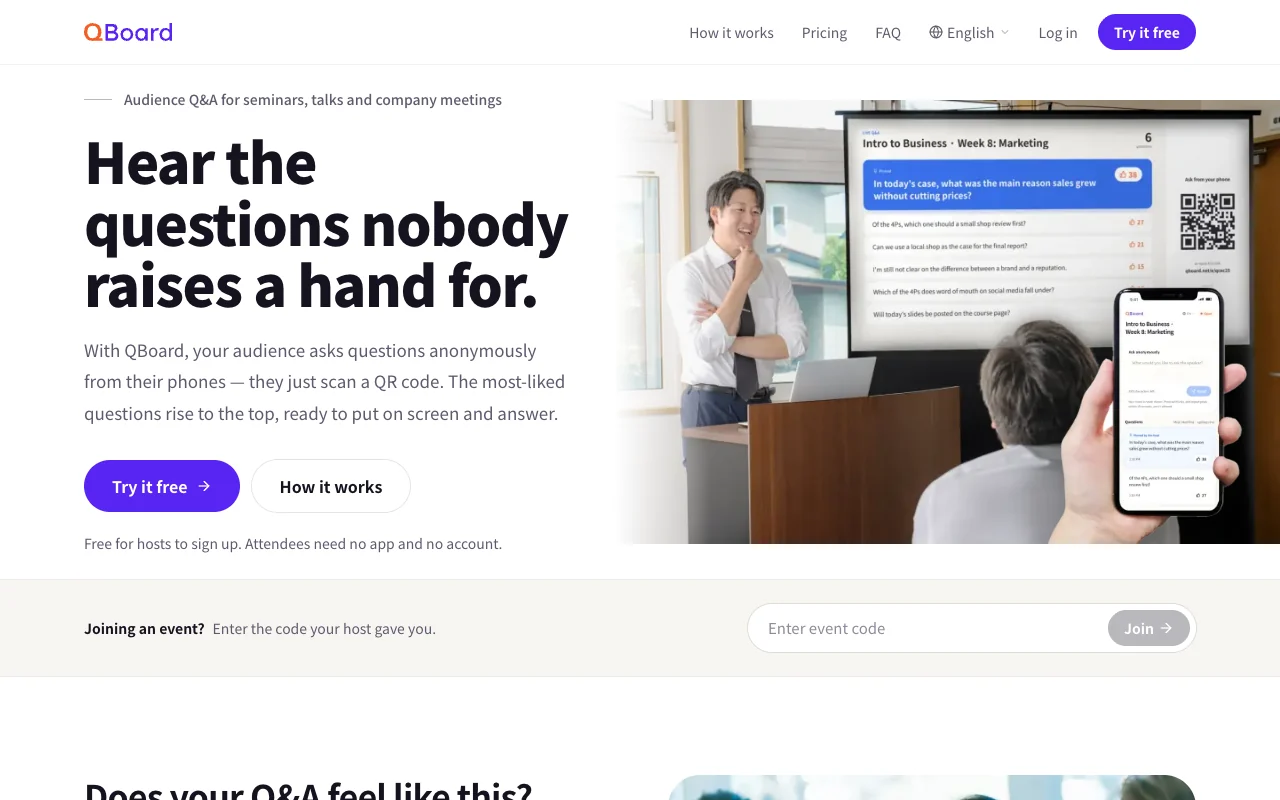
Screenshot: QBoard official website (November 23, 2026)
QBoard does one thing: collecting and answering questions in a Q&A session. There's no monthly fee. You pay $19 for each event you run and get up to 1,000 participants for 4 hours. Names are never collected, so not even the organizer sees who asked. That makes it easier for staff to ask leadership the hard questions at a company meeting. It suits events where you need questions from a large audience now and then, such as a few seminars a year or an all-hands meeting.
Pros
- $19 per event for up to 1,000 people
- No monthly fee or annual contract
- Nobody, not even the organizer, sees who asked
- Screens switch to 16 languages automatically
Cons
- Free trial is limited to 30 people and 60 minutes
- No polls or quizzes
- No way to approve questions before they appear
Slido: the best-known Q&A tool, free for up to 100 people per event
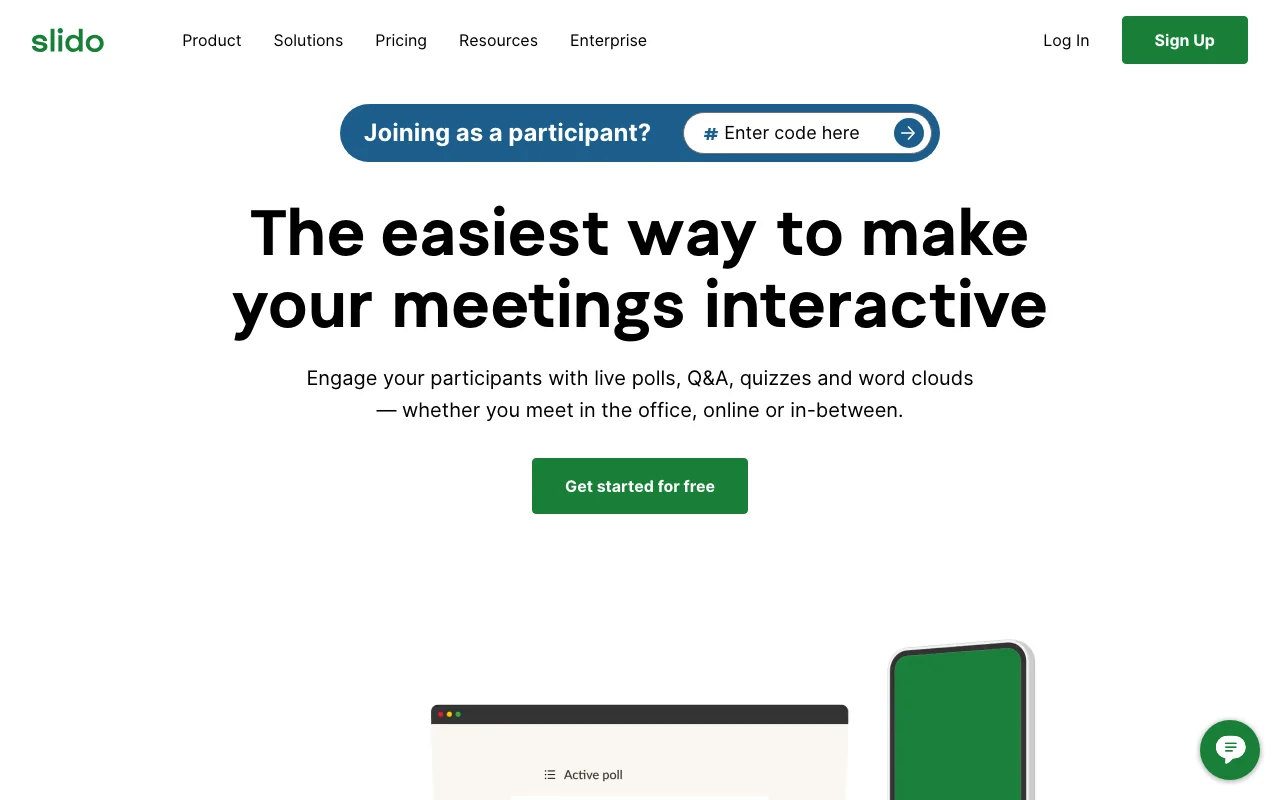
Screenshot: Slido official website (November 23, 2026)
Slido offers polls, quizzes and word clouds alongside Q&A. It works with PowerPoint, Zoom and Teams, so it fits well if you want it running next to your slides. The free plan allows up to 100 participants per event, with anonymous questions and upvoting, but only 3 polls. Above 100 people you need a paid plan: a one-time plan for a single event lasting up to 7 days, or an annual plan. There's no monthly billing. Third-party pricing sites report US one-time plans starting at roughly $60–80. Reviewing questions before participants see them (moderation) also needs a paid plan.
Pros
- Free for up to 100 people per event
- Polls, quizzes and word clouds too
- Works with PowerPoint, Zoom and Teams
Cons
- Over 100 people means a paid plan, with no monthly option
- Moderation before display is paid only
- Blocked in Russia and Belarus; works poorly in mainland China
Mentimeter: a Slido-like app with polls and quizzes in your slides
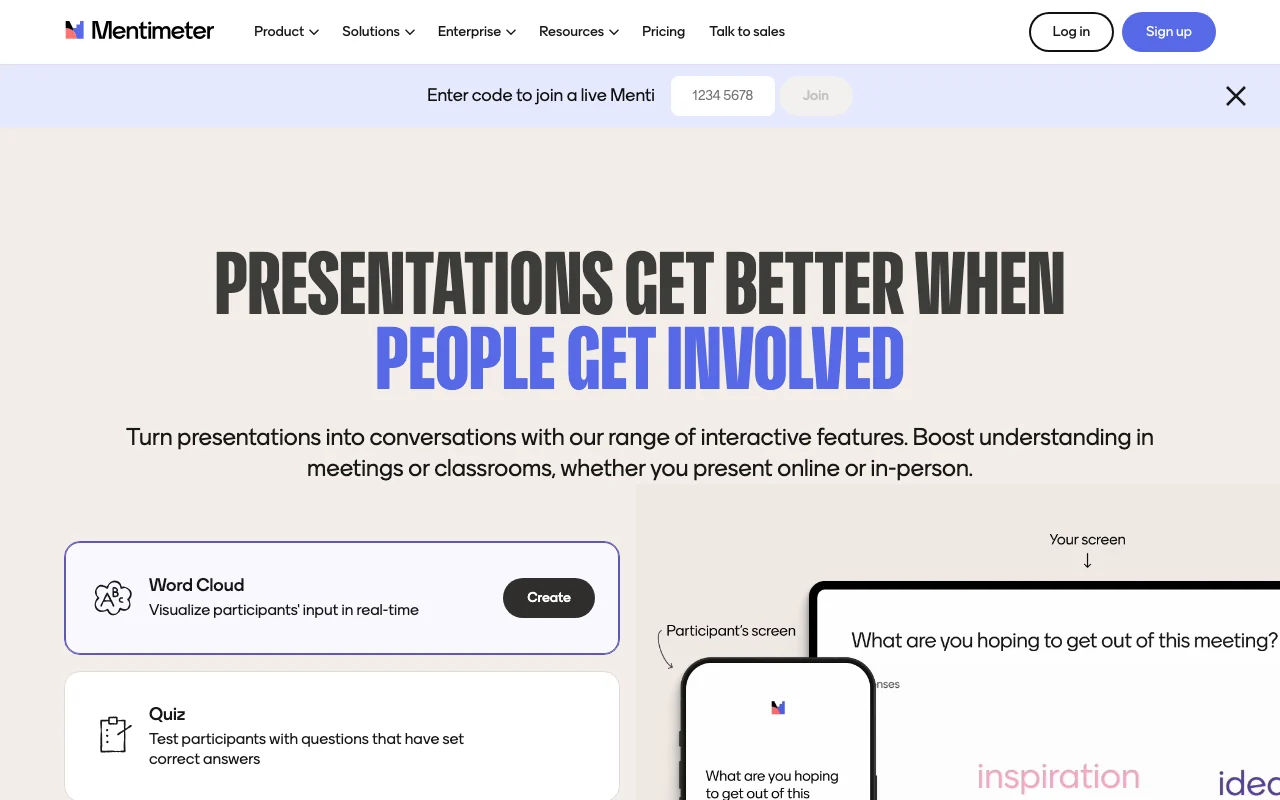
Screenshot: Mentimeter official website (November 23, 2026)
Mentimeter lets you add polls, quizzes and audience Q&A to your presentation slides. Questions are anonymous by default, participants can upvote, and people join by entering a 6-digit code. The free plan covers 50 participants a month, plus one session a month with no participant limit. Paid plans are priced per presenter: Basic is $11.99 a month and Pro is $24.99 a month, both billed yearly. Basic can also be billed monthly, but there's no one-time plan you can buy yourself. One-off events go through sales as "conference deals." Pre-approving questions requires Pro or above. It's a good fit for a monthly all-hands where you want both polls and questions.
Pros
- One session a month free with no participant limit
- Questions are anonymous by default
- Wide range of polls, quizzes and word clouds
Cons
- Otherwise capped at 50 participants a month
- No one-time plan you can buy yourself
- Pre-approving questions needs Pro ($24.99/month, billed yearly)
Vevox: a one-time plan for large events, with Q&A moderation
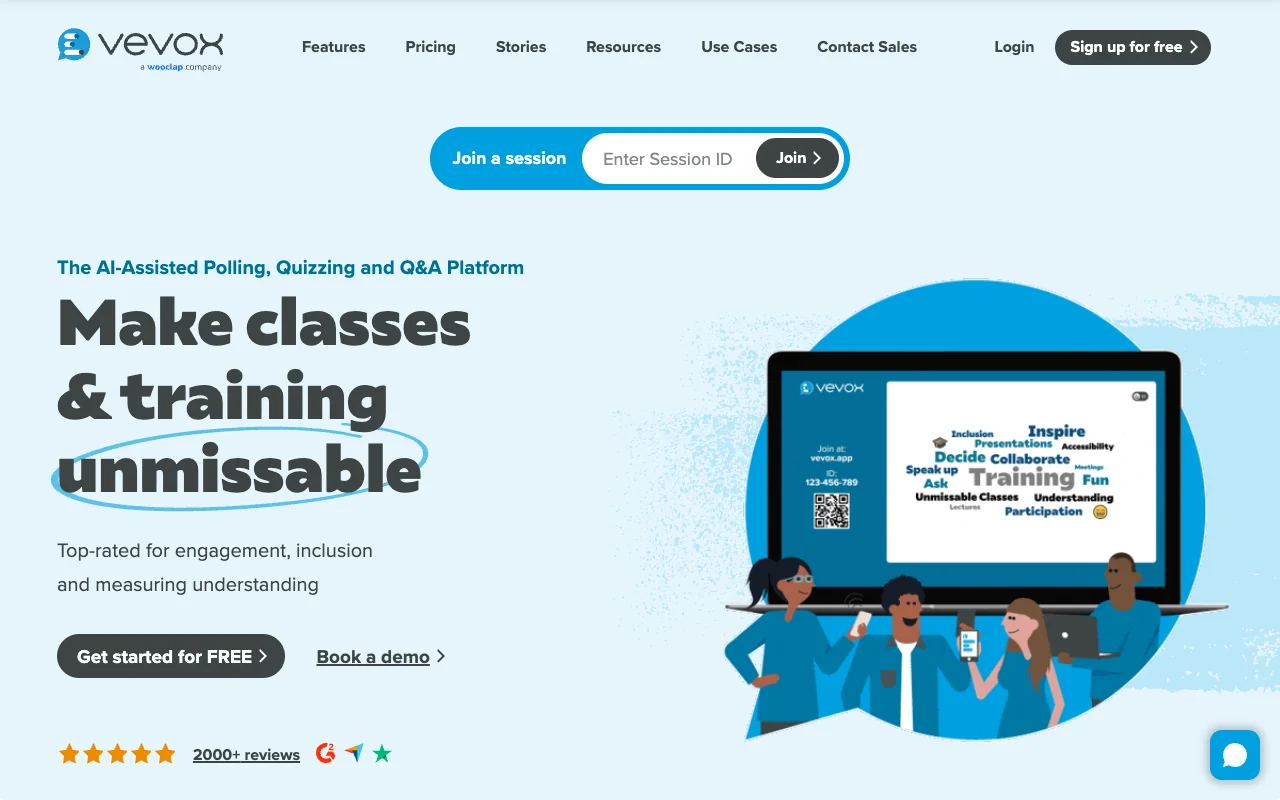
Screenshot: Vevox official website (November 23, 2026)
Vevox combines polling, quizzes and Q&A. The free-forever plan covers up to 100 participants with basic polling, quizzing and Q&A. For one big event, the one-time event plan costs $195 for 7 days and up to 1,500 participants, with Q&A moderation included. A larger one-time plan costs $675 for up to 5,000. If you run events often, Starter is $11.95 a month billed annually ($143.40 a year, up to 250 participants), and Pro is $24.95 a month billed annually (up to 1,500, moderation included). In the Q&A, you choose from several levels of anonymity, participants can upvote, questions can be sorted by likes, and you can review questions before they're published. It's a solid choice for a conference where you want to screen questions before they go on screen.
Pros
- Free forever for up to 100 participants
- One-time plan: $195 for up to 1,500 people, moderation included
- Several levels of anonymity to choose from
Cons
- The cheapest one-time plan is $195
- Starter is capped at 250 participants
- Starter and Pro are billed annually
Pigeonhole Live: the cheapest paid option at $13 for one month
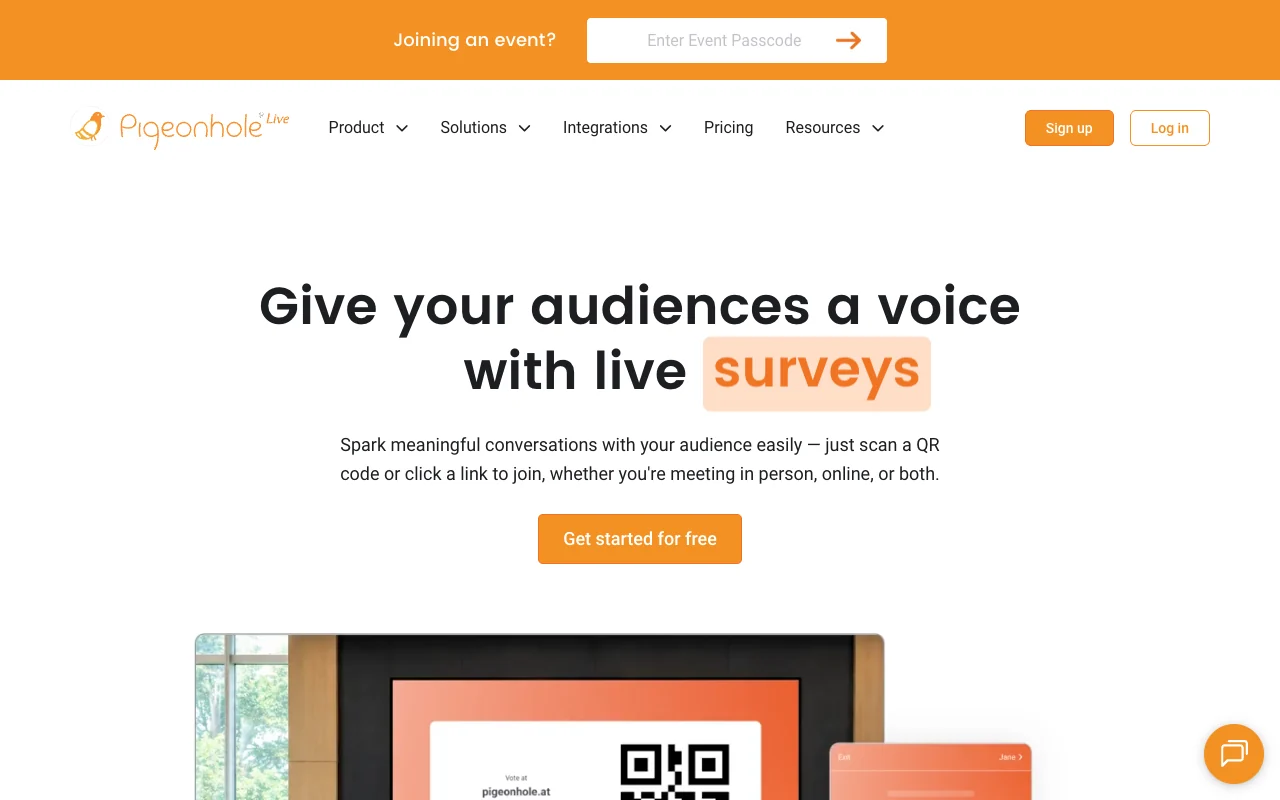
Screenshot: Pigeonhole Live official website (November 23, 2026)
Pigeonhole Live covers Q&A, polls, chats and surveys. The Starter plan is free forever for up to 100 participants, with unlimited Q&As, polls, chats and surveys. The Presenter plan costs $13 a month billed monthly ($156 if you pay for a year) and adds moderated Q&A and polls for up to 250 participants. The Standard plan is $150 a month ($1,800 a year) for up to 2,000. One-time plans were discontinued, so for a single event you subscribe for a month and then cancel. Attendees join with a link or QR code without creating an account. They can ask anonymously and vote on other people's questions, and you can approve questions before they appear.
Pros
- Free forever for up to 100 participants
- $13 for one month covers 250 people, with moderation
- Attendees join by link or QR code, no account needed
Cons
- No one-time plan anymore
- You have to cancel the monthly plan after your event
- Over 250 people costs $150 a month
How to choose a Q&A tool for your event

Narrow it down in this order: how many participants you expect, how often you run events, and whether you also want polls or quizzes. Check first whether a free plan covers your headcount. Then pick the way of paying that matches how often you'll use it, so you don't pay for more than you need.
Up to 100 participants: a free plan is enough
For an internal study session or a 50-person seminar, the free plan of Slido, Vevox or Pigeonhole Live is enough. Each covers up to 100 participants. Slido's free plan includes anonymous questions and upvoting, and Pigeonhole Live's includes unlimited Q&As. For a small group of up to 50 people a month, Mentimeter's free plan works too.
One event with more than 100 people: what it costs
Above 100 participants, fewer tools stay free. Here is the cheapest way to run one 150-person event with each tool.
| Tool | Cost of one 150-person event | Plan to use |
|---|---|---|
| Mentimeter | $0 | The free plan's once-a-month session with no participant limit |
| Pigeonhole Live | $13 | Presenter plan for one month (250 people), then cancel |
| QBoardOur pick | $19 | One event credit (1,000 people, 4 hours), nothing to cancel |
| Slido | About $60–80 (third-party figure) | Entry-tier one-time plan |
| Vevox | $143.40 | Starter billed annually (250 people); the one-time plan is $195 |
Calculated from each vendor's official prices (checked November 23, 2026). Slido's figure is reported by third-party pricing sites; check slido.com/pricing for your country.
If it's your only big event that month, Mentimeter's free plan costs nothing. But any other event that month has to stay within 50 participants. Pigeonhole Live's Presenter plan is the cheapest paid option at $13, as long as you stay within 250 people and remember to cancel after the event. QBoard costs $6 more, but there's nothing to cancel, and each event takes up to 1,000 people. If you run a few seminars a year with 100 to 1,000 people each, paying $19 only when you hold one keeps things simple. Credits stay valid for a year after purchase. For a large conference of up to 1,500 people where you want to screen questions, Vevox's $195 one-time plan includes moderation.
Monthly training or webinars: compare subscription plans
For frequent events, like weekly internal training or a monthly webinar, a subscription usually costs less than paying per event. Say you run four 50-person training sessions a month. With QBoard, that's 4 × $19 = $76 a month. Pigeonhole Live's Presenter plan is $13 a month, and Mentimeter Basic and Vevox Starter are about $12 a month billed yearly. If you teach classes all year at a school or university, check Slido's education plans as well.
Want polls or quizzes too? Slido, Mentimeter, Vevox or Pigeonhole Live
If you want polls or quizzes alongside your Q&A, look at Slido, Mentimeter or Vevox. Pigeonhole Live offers polls and surveys. QBoard is for Q&A only, so it has no polls or quizzes. In return, running it is simple: you press Start and put the QR code on the screen, so there's little to get stuck on during the event.
Worried about inappropriate anonymous questions? Look for moderation
At events where executives take questions, like a company all-hands, anonymity can bring in some sharply worded questions. If that worries you, choose a tool that lets you review questions before they go on screen. Slido needs a paid plan for this and Mentimeter needs Pro. Vevox includes it in Pro and its one-time plans, and Pigeonhole Live includes it from the $13 Presenter plan. QBoard has no pre-approval, but it automatically blocks posts that contain URLs and repeat posts within 30 seconds. You can also hide or delete any question with one tap.
On the day: how to get more questions with a Q&A tool

Even with a Q&A tool ready, you won't get questions if people don't notice the QR code. Cover these five things on the day.
- Show the QR code at the start and during breaksPut it on your opening slide and break screen so people can start typing questions while they listen.
- Tell people they can ask anonymouslyJust knowing their name won't appear makes people less hesitant to ask.
- Pick 2–3 questions before the Q&A startsPin the most-liked questions ahead of time, and the first question won't stall.
- Test it on your own phone firstSend one question with the free trial and check how it looks on the screen.
- Afterwards, review the questions you didn't get toWith QBoard, the question list stays viewable after the event, so you can check unanswered questions and prepare for next time.
If questions still don't come, see our Q&A moderator script and example phrases. For how long your Q&A session should be, read the next article.
Summary: try a Q&A tool for free before your event

If you run a few seminars a year with more than 100 people, QBoard lets you collect anonymous questions from up to 1,000 people for $19 per event, with nothing to cancel afterwards. For events of 100 people or fewer, the free plans of Slido, Vevox or Pigeonhole Live are enough. For one event of up to 250 people, Pigeonhole Live's $13 monthly plan costs less if you remember to cancel it. And for regular training, a subscription usually works out cheaper.
Whichever tool you choose, send a question from your own phone before the event and check how it looks on the screen, so you're not caught off guard on the day. Signing up for QBoard takes about a minute, and you can try it free as many times as you like.
Show the QR code, and participants ask anonymously from their phones. Signing up is free, and you can try it as many times as you like with up to 30 participants for 60 minutes.
Try it freeParticipants need no app and no sign-up